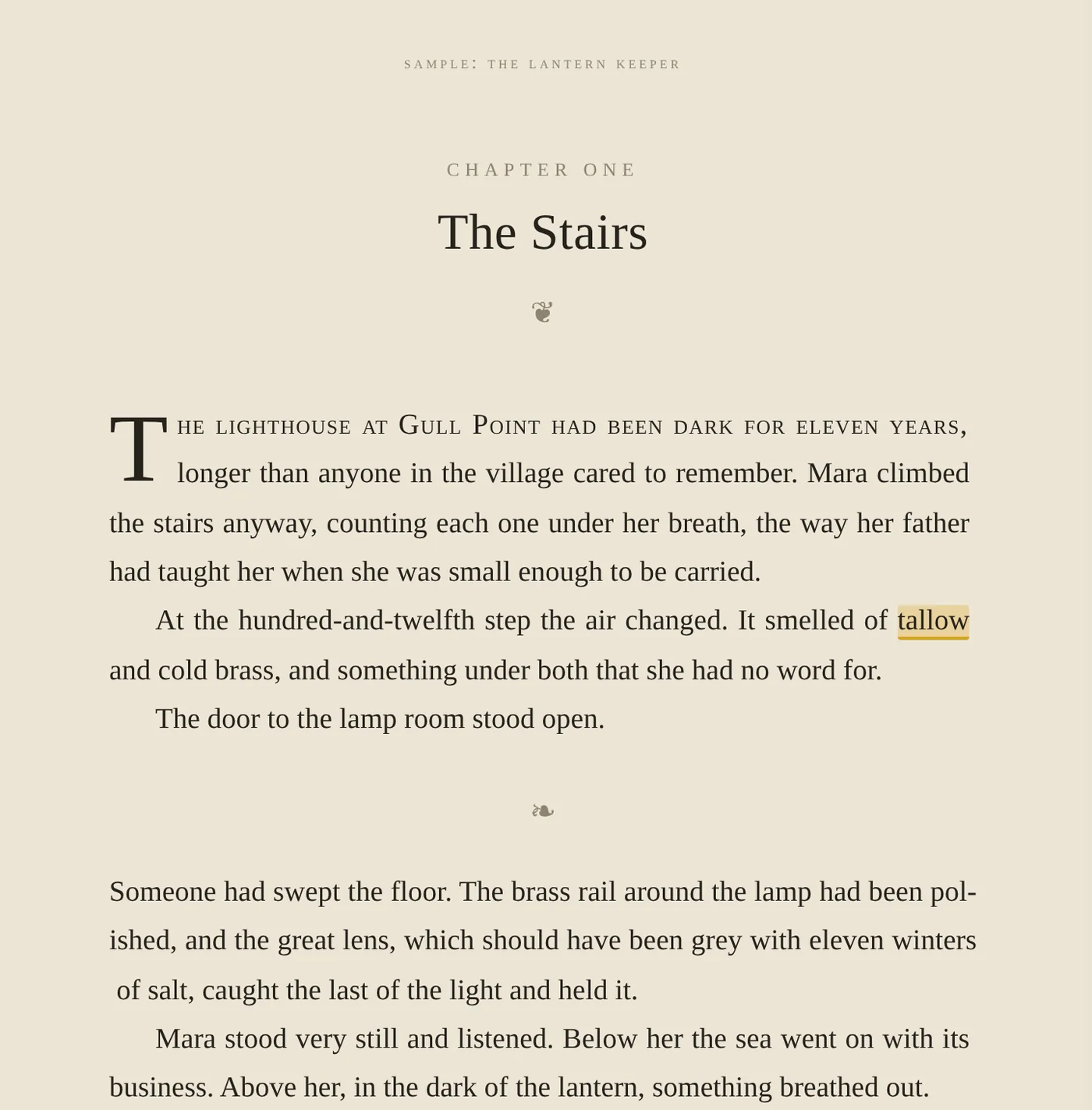
Running head, chapter opener, drop cap and justified text, with marks where each printed page ends. Focus mode keeps the line you’re on in the middle of the screen.
Running head, chapter opener, drop cap, justified text and marks where each printed page ends.
Focus mode
Hides everything but the page and keeps the line you’re on in the middle of the screen.
Screenplays
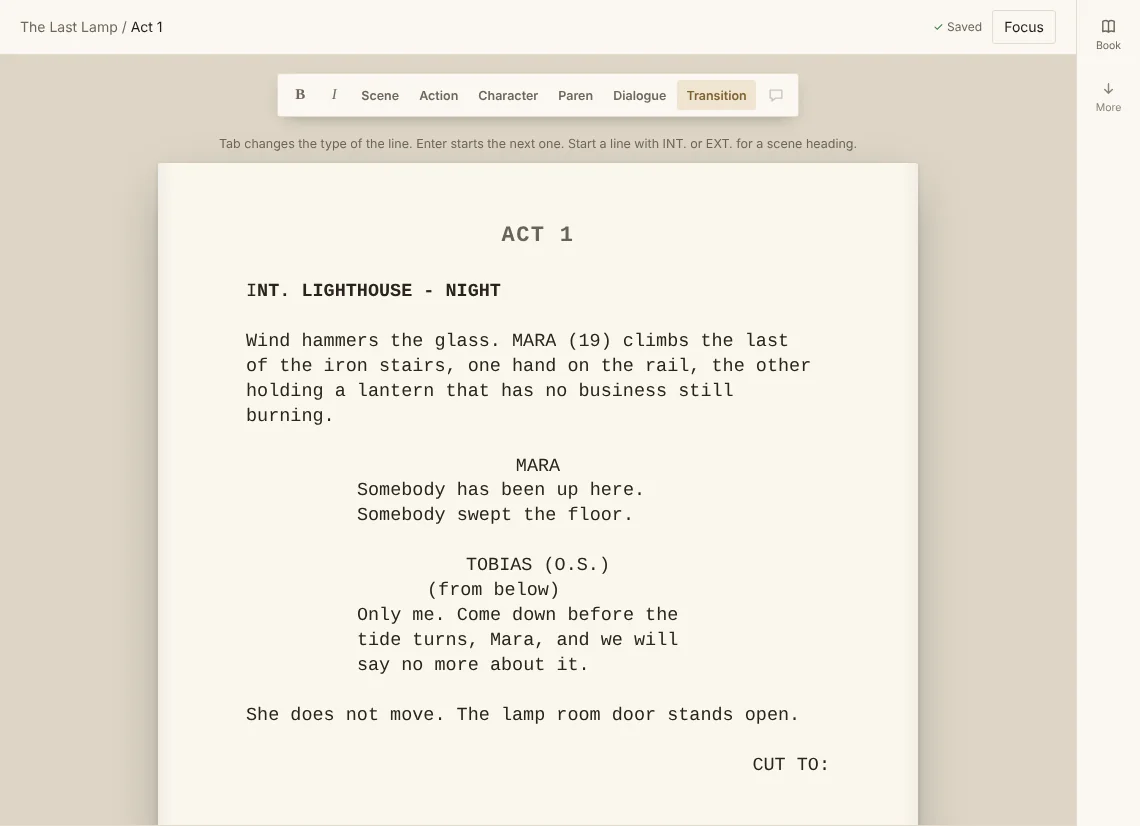
Start a book as a screenplay and the page is set in script format. Tab and Enter move between scene headings, action, character names and dialogue, and the script exports as a PDF in standard layout or as Fountain text.
Typing
Curly quotes, a dash from two hyphens, and scene breaks from the toolbar.
Themes
Night and Paper, and a text size you can change. Haven follows your computer’s light or dark setting until you pick one.
Goals
A daily target, a target for the book, timed sprints and a 12-week calendar.
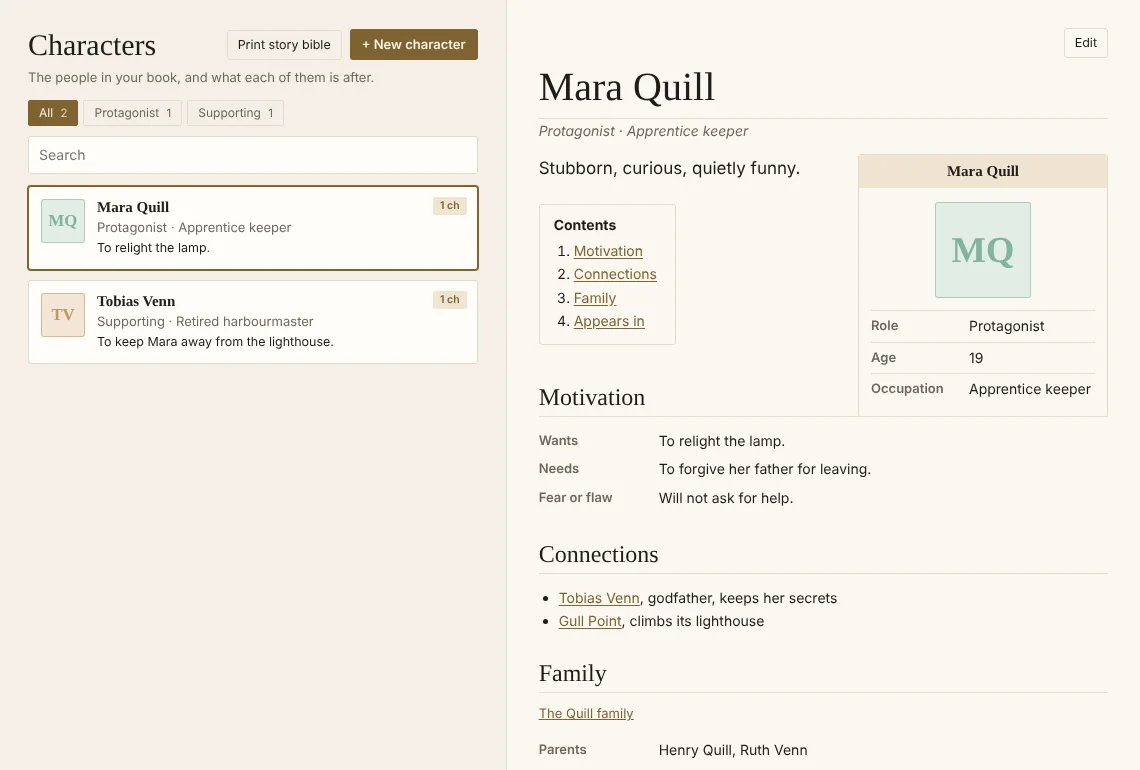
What they want, what they need, their flaw and arc, with the rest of the detail a click away, and any fields you add.
World
Places, factions, lore, objects and events.
Connections
Link any character or place to any other, with a few words on how they’re connected.
Timeline
Your world’s events in order. Move them earlier or later with the arrows.
Family trees
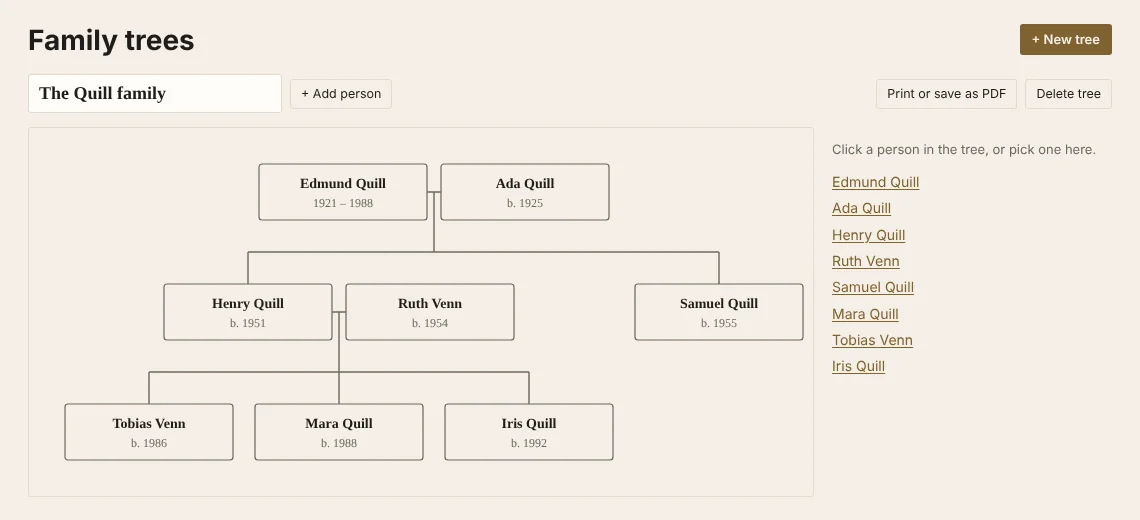
Add people, say who their parents and partner are, and Haven draws the tree. Print it or save it as a PDF.
Names on the page
Select a name while you write and add it to your story. Names from your story are underlined in the chapter, hovering one shows its card, and Haven works out which chapters each one appears in.
Pictures and a map
Add a picture to any character or place, and one map for your world.
Keep a copy of the whole book under a name, such as “First draft”, and go back to it whenever you like.
Chapter history
Haven keeps earlier versions while you write. Open one to read it or bring it back.
Search and replace
Ctrl+K finds a chapter, character, place or any words in the book. Replace works across every chapter, and capital letters stay where they were.
Margin comments
Notes on any words. They never appear in exports.
Beta readers
Send a private link. Readers read the book in their browser without an account and comment on any words. You read their comments beside your manuscript.
Read aloud
Hear a chapter or the words you’ve selected, using your device’s voice. It’s a good way to catch clumsy sentences.
Two tabs open
If the same chapter is open twice, Haven asks which copy to keep instead of overwriting one.