Mac
Your deviceSafari: choose File, then Add to Dock.
Chrome or Edge: press the install icon at the right of the address bar, or open the menu and choose Install Haven.
Install Haven on your computer or phone, free. Install Haven
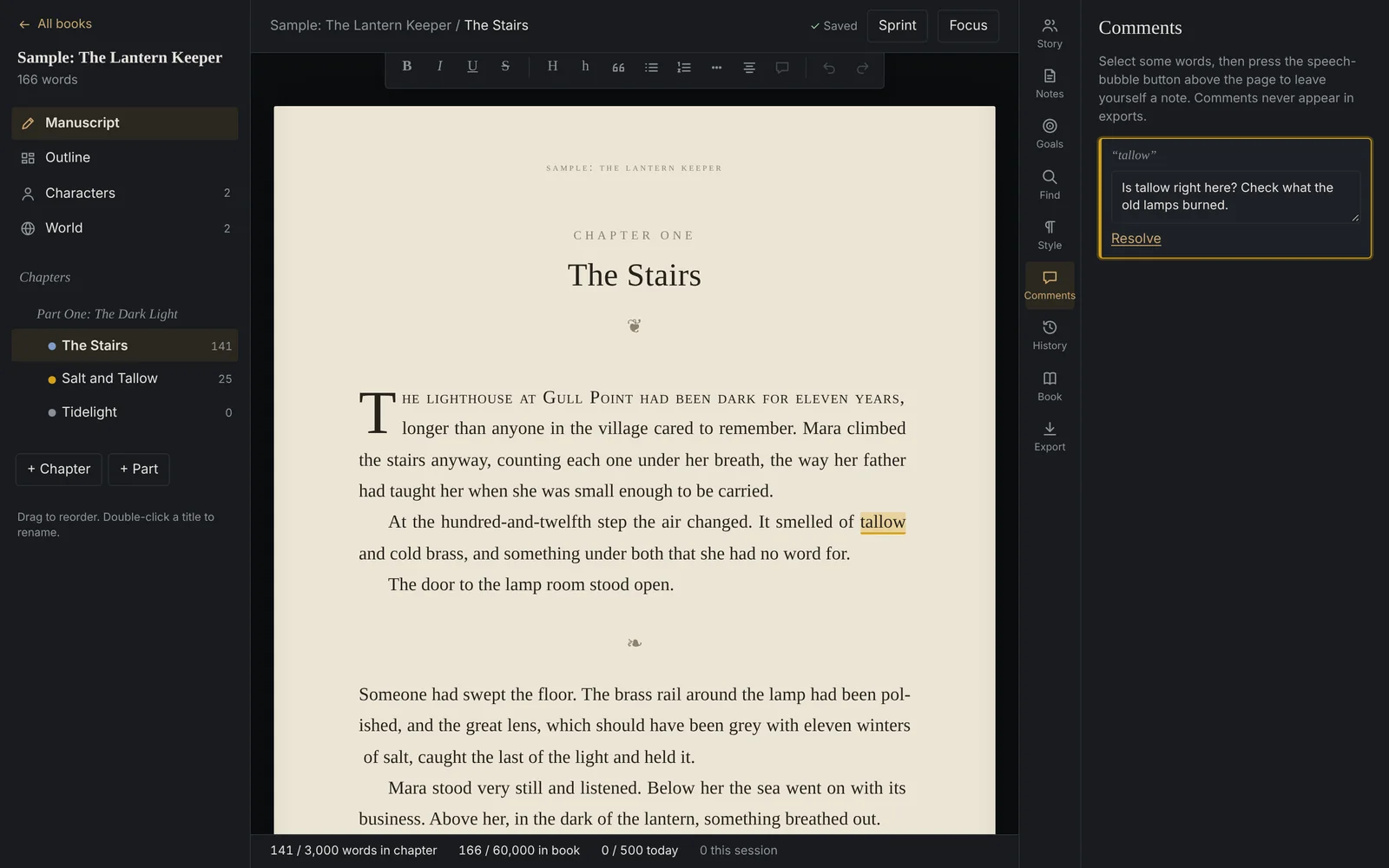
Haven is a novel writing app for your Mac, Windows or Linux computer, iPhone, iPad or Android phone. It installs from your browser in a few clicks, with no app store, and it opens in its own window.
Free to start. Version 0.47
Safari: choose File, then Add to Dock.
Chrome or Edge: press the install icon at the right of the address bar, or open the menu and choose Install Haven.
Edge or Chrome: press the install icon at the right of the address bar, or open the menu and choose Install Haven.
In Safari, press the Share button, then Add to Home Screen.
In Chrome, open the menu and choose Install app or Add to Home screen.
New to Haven? See what it does for a novelist, the plans, or the docs.
Yes. Installing costs nothing, and the Free plan covers one book with no card needed. See the plans if you need more books.
No. Haven installs from your browser as a web app, so there is no app store listing and no installer to run. It opens in its own window with its own icon.
Macs, Windows and Linux computers, iPhones, iPads and Android phones. Every device uses the same account, so your books are the same wherever you sign in.
Haven needs an internet connection, because that is where your books are saved. If the connection drops while you write, a copy of what you typed is kept on the device until it comes back.